In Nigeria, power outages are more than an inconvenience—they’re a daily reality that disrupts everything from work to personal finance. As of 2025, the country’s national grid has collapsed multiple times, with reports from the Nigerian Electricity Regulatory Commission (NERC) indicating an average of 640 outages per feeder annually, equating to roughly 160 days of blackouts for many households. With over 90 million Nigerians lacking reliable electricity access, smartphones have become lifelines for communication, entertainment, and crucially, fintech services like loan applications and mobile banking.
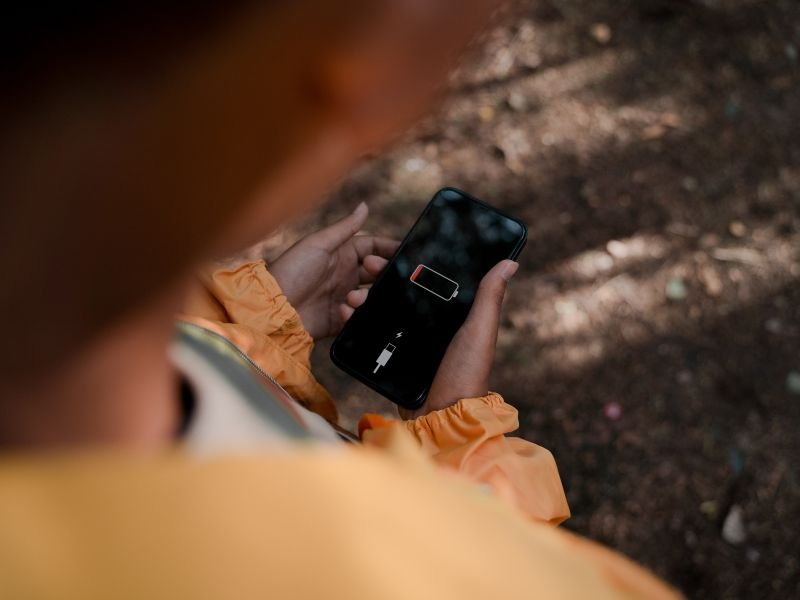
Imagine needing to check your Opay balance or apply for a quick loan via FairMoney during a blackout, only to have your phone die midway. Extended battery life isn’t just a luxury—it’s essential for staying connected in Nigeria’s digital economy, where 85% of internet access is mobile-driven. This article explores proven strategies to maximise your smartphone’s battery during outages, with a focus on supporting seamless fintech use. We’ll cover causes of battery drain, step-by-step tips, and supportive gadget recommendations to keep you powered up.
Power Outages and Their Impact on Smartphone Battery Life in Nigeria
Nigeria’s electricity challenges are well-documented. In the first quarter of 2025 alone, the grid generated an average of 5,366.88 MW, far below the demand for a population of 230 million. Recent collapses in September 2025 plunged generation from 2,917 MW to just 1.5 MW in hours, affecting urban centres like Lagos and Abuja as much as rural areas. The Rural Electrification Agency notes that 20,000 communities remain off-grid, forcing reliance on generators or solar options not always available.
During these outages, smartphones become critical tools. However, prolonged use without charging accelerates battery drain. Factors unique to Nigeria exacerbate this:
- High Ambient Temperatures: Lagos averages 28-32°C, and heat reduces lithium-ion battery efficiency by up to 20%. Phones in direct sunlight or humid environments drain faster.
- Network Strain: Poor grid stability leads to signal hunting, where phones boost power to connect to MTN, Airtel, or Glo towers, consuming 10-15% more battery.
- App Overload: Fintech apps like Opay or FairMoney run background processes for notifications, adding to the strain during extended outages.
- Ageing Batteries: Many Nigerians use budget phones with 4,000-5,000 mAh batteries, which degrade after 300-500 cycles, losing 20% capacity yearly.
The result? A full charge might last 8-10 hours under normal use, but during blackouts, it drops to 4-6 hours if not optimised. This is particularly problematic for fintech users: A dead phone means missed loan approvals or delayed transfers, impacting livelihoods in a cashless economy where mobile money transactions exceed ₦1 billion daily.
We understand the predicament, thus, warranting our guides, like How to Subscribe Airtel Data for Fintech Access, emphasise tech that supports financial stability. Now, let’s dive into actionable tips to extend your battery life.
Top 12 Proven Tips to Extend Smartphone Battery Life in 2025
Drawing from expert sources like ZDNet and CNET, here are 12 optimised tips for Android and iOS users in Nigeria. These can extend the battery by 2-5 hours during outages, ensuring you stay connected for essential fintech tasks.
1. Activate Low Power or Battery Saver Mode Immediately
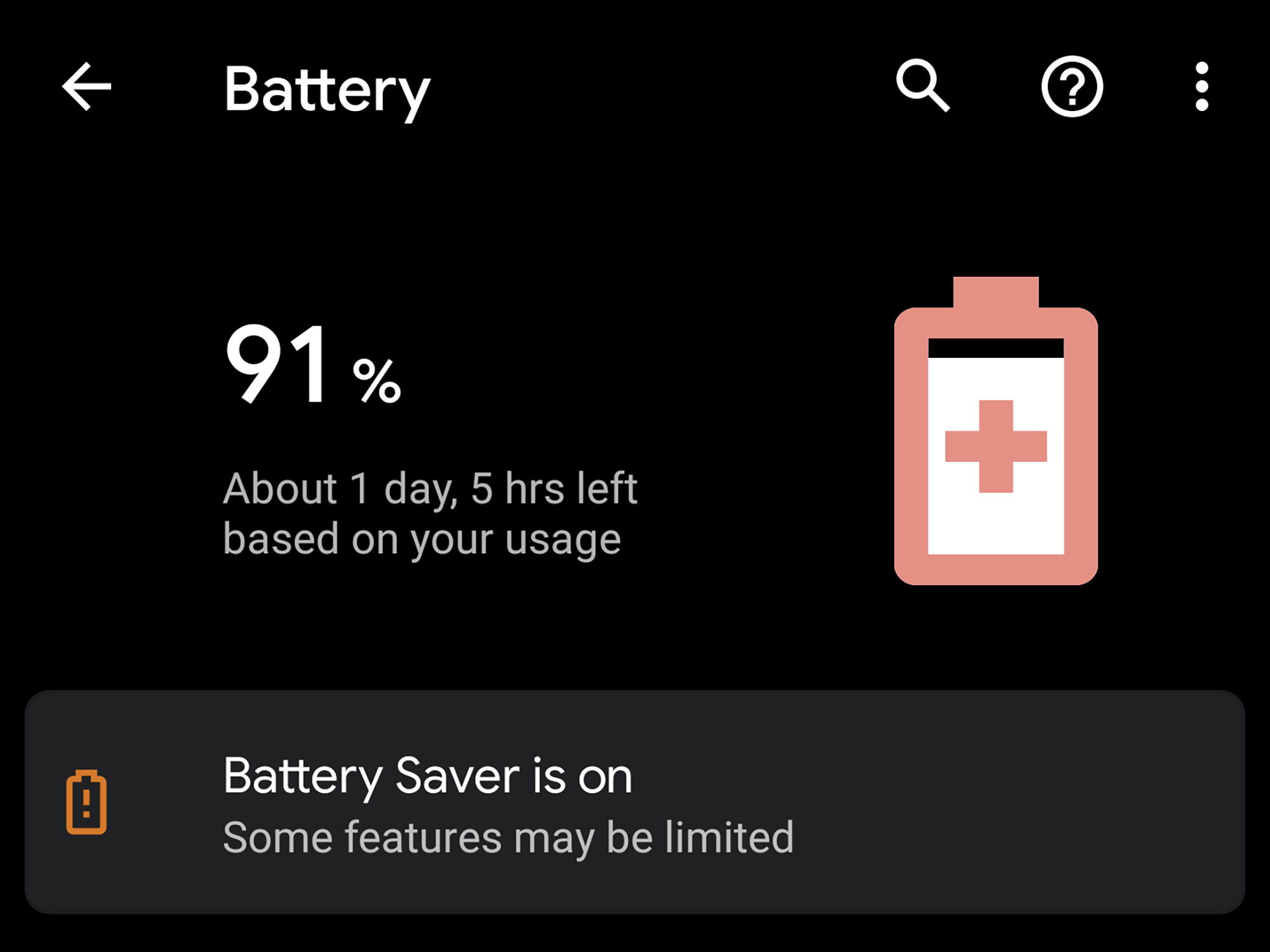
Low Power Mode (iOS) or Battery Saver (Android) is your first line of defence. It reduces background activity, dims the screen, and limits animations, saving up to 30% battery.
- For Android (e.g., Tecno, Infinix): Go to Settings > Battery > Battery Saver. Enable Adaptive Battery for AI-optimised usage.
- For iOS (iPhone): Settings > Battery > Low Power Mode. It pauses mail fetch and downloads.
- Nigeria Tip: Activate at 50% during predicted outages (check NERC apps). This keeps Opay notifications active without draining.
2. Dim Screen Brightness and Use Auto-Adjust
Screens consume 40-50% of the battery. Lower to 30-50% manually or enable adaptive brightness.
- How-To: Android: Settings > Display > Brightness. iOS: Control Centre slider.
- Pro Tip: Use dark mode (Settings > Display > Dark Theme) for OLED screens like on Galaxy A-series, saving 10-20% in low light—perfect for nighttime blackouts.
3. Manage App Usage and Close Background Apps
Fintech apps like FairMoney run in the background for alerts, draining 15-20% hourly.
- Android: Settings > Battery > App Battery Usage > Restrict high-drain apps.
- iOS: Settings > Battery > View app usage; force-close via App Switcher.
- Fintech Focus: Prioritise apps like Mint Loan for notifications but restrict games/social media during outages.
4. Disable Unnecessary Connectivity Features
Bluetooth, Wi-Fi, and GPS hunt for signals, using 10% extra power.
- Tip: Turn off via Quick Settings. Use Air plane Mode selectively, re-enabling mobile data for loan checks.
- Nigeria Hack: In rural areas with poor coverage, switch to 2G/3G (Settings > Network > Preferred Network) to save 15% while accessing basic fintech.
5. Update Software and Apps Regularly
2025 updates include AI battery optimisations.
- How-To: Android: Settings > System > Software Update. iOS: Settings > General > Software Update.
- Benefit: Patches fix drains; e.g., Android 15’s Extreme Battery Saver pauses non-essential apps.
6. Optimise Location Services
Location pings drain 20% in apps like Uber or loan verifiers.
- Android/iOS: Settings > Location > App Permissions > Set to “While Using” for fintech apps.
- Tip: Disable for non-essential apps; use battery-saving mode in Google Maps for directions during outages.
7. Limit Notifications and Vibrations
Each push drains 1-2%.
- How-To: Settings > Notifications > App Settings > Turn off for low-priority apps.
- Fintech Angle: Keep on for Opay transaction alerts but mute vibrations (Settings > Sounds).
8. Use Efficient Charging Habits
Avoid overcharging; keep between 20-80% for longevity.
- Tip: Use optimised charging (Android: Settings > Battery > Charging Optimisation; iOS: Enabled by default).
- Nigeria Context: Invest in solar chargers for outages; charge during brief grid uptime.
9. Monitor and Restrict Battery-Hungry Apps
Identify culprits like TikTok or WhatsApp.
- Android: Settings > Battery > Usage Details.
- iOS: Settings > Battery.
- Action: Uninstall or restrict; for fintech, ensure apps like PalmPay are efficient.
10. Enable Dark Mode and Reduce Refresh Rates
Dark mode saves 10-15% on AMOLED screens.
- How-To: Settings > Display > Dark Mode.
- Advanced: Lower refresh rate (e.g., 60Hz on 120Hz phones) via Developer Options.
11. Avoid Extreme Temperatures
Heat above 35°C reduces efficiency.
- Tip: Keep phones in shaded, ventilated spots; avoid direct sun during Lagos heatwaves.
12. Use Third-Party Apps Wisely
Apps like Greenify (Android) hibernate drainers.
- Recommendation: Download from the play Store; pair with fintech for alert-only modes.
Implementing these can double your battery life, from 4 to 8 hours during a blackout.
Best Supportive Smartphones for Fintech During Outages
While fintech is our focus, reliable gadgets are key. Here are 2025 picks with strong batteries:

- Tecno Spark 40: 5,000mAh battery, lasts 12+ hours; great for Opay with fast charging. Price: ~₦80,000 on Jumia.
- Infinix Smart 7 HD: 5,000mAh, budget-friendly for loan apps; supports MTN 5G. ~₦70,000.
- Samsung Galaxy A16: 5,000mAh with adaptive saver; NFC for contactless payments. ~₦150,000.
For full reviews, visit our Tecno Spark 40 Deep Dive.
Why Battery Life Matters for Fintech in Nigeria
In 2025, fintech transactions hit ₦1B+ daily. A dead battery means missed opportunities—like applying for Mint Loans during emergencies. Extended life ensures uninterrupted access to FairMoney repayments or Opay transfers, even in blackouts.
With Nigeria’s grid facing ongoing issues, mastering battery extension is crucial. Follow these tips to stay connected and financially secure. For more insights, explore our Opay Daily Limit Guide or subscribe for updates. At Gadget Savvy, we’re here to guide your fintech journey—share your tips in the comments!